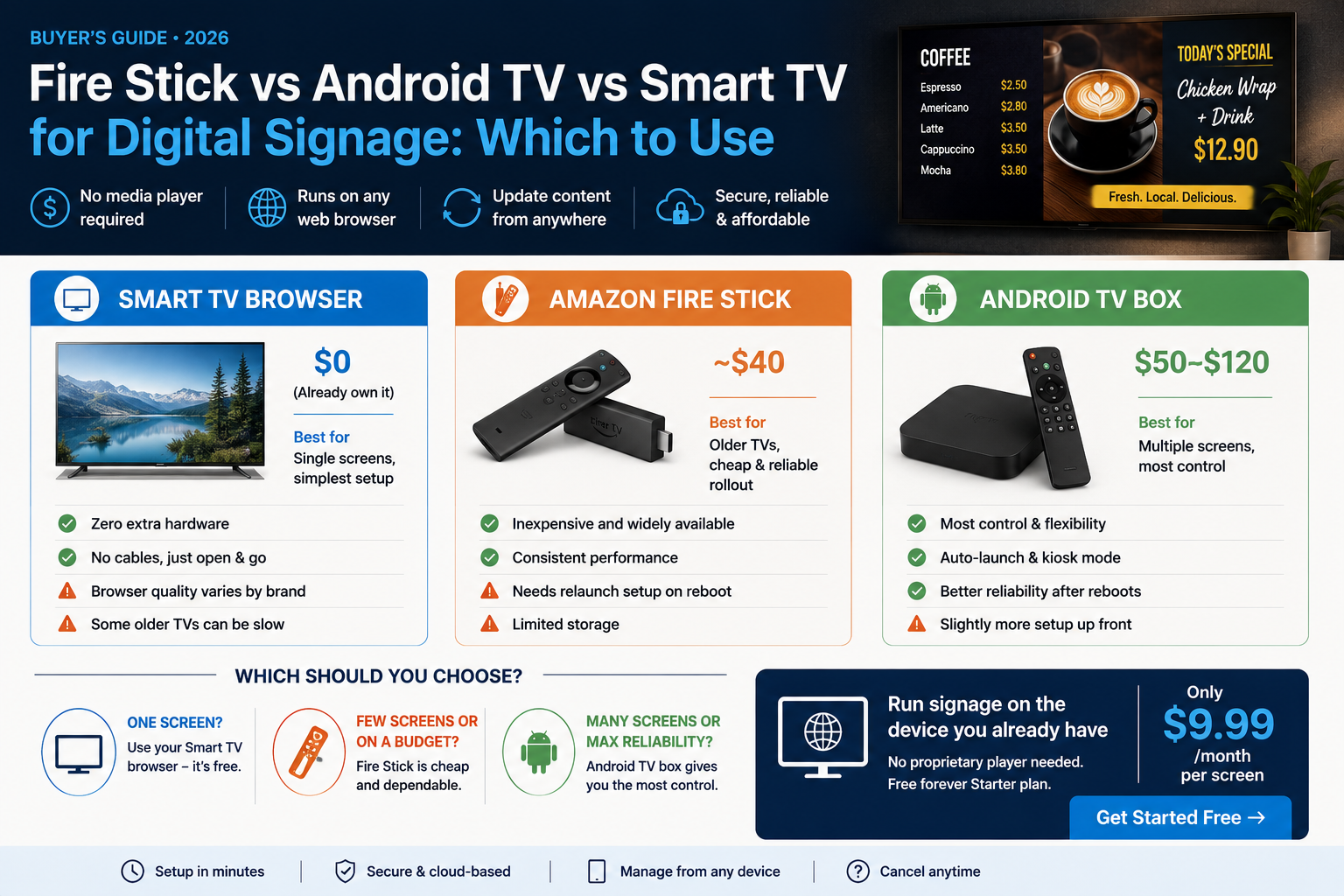
Fire Stick vs Android TV vs Smart TV for Digital Signage: Which to Use
By DisplayNex · 9 min read · Updated August 2026
With browser-based digital signage, you don't need a dedicated media player — any device with a web browser can run your screens. That usually leaves one question: should you use a Smart TV's built-in browser, an Amazon Fire Stick, or an Android TV box?
All three work well. This guide breaks down the strengths, trade-offs, and best use for each, so you can pick the right one for your venue.
Quick comparison
| Device | Up-front cost | Best for | Watch out for |
|---|---|---|---|
| Smart TV browser | $0 (already own it) | Single screens, simplest setup | Browser quality varies by brand |
| Amazon Fire Stick | ~$40 | Older TVs, cheap reliable rollout | Needs relaunch setup on reboot |
| Android TV box | $50–$120 | Multiple screens, most control | Slightly more setup up front |
Option 1: The Smart TV's built-in browser
If your TV was made in the last few years, it has a web browser already. Open your display URL in it and you're running signage with zero extra hardware — the cheapest and simplest route.
Best for: a single screen where you want the least fuss.
Trade-off: browser speed and reliability vary between TV brands, and some older sets are sluggish or make it awkward to keep a page open full-screen.
Option 2: Amazon Fire Stick
A Fire Stick plugs into any TV's HDMI port and adds a capable browser for around $40. It turns an older or "dumb" TV into a signage screen and behaves consistently across venues — handy when you're rolling out several.
Best for: older TVs, or standardising cheap hardware across multiple screens.
Trade-off: after a power cut you may need to relaunch the browser, so it's worth setting up to reopen your URL on boot.
Option 3: Android TV box
An Android TV box is the most flexible option. It runs a full browser, supports auto-launch and kiosk-style setups, and gives you the most consistent control — ideal when you're managing many screens or want them to recover automatically after a reboot.
Best for: multi-screen venues and anyone who wants set-and-forget reliability.
Trade-off: a little more cost and initial configuration than a Fire Stick.
So which should you choose?
- One screen, TV already on the wall? Use the Smart TV browser — nothing to buy.
- Older TV, or a few screens on a budget? Fire Sticks are cheap and dependable.
- Several screens you want rock-solid? Android TV boxes give the most control.
The key point: with a browser-based platform like DisplayNex, all three are "players." You're not locked into buying proprietary hardware — you use whatever screen or stick you already have or can buy cheaply.
Whichever you pick, setup is the same: open your display URL in the browser and the board runs full-screen. For the step-by-step, see our guide on turning any Smart TV into a menu board, and check pricing — it's the same $9.99/month per screen no matter which device you run.
Run Signage on the Device You Already Have
Smart TV, Fire Stick, or Android TV — no proprietary player needed. Free forever Starter plan.
Frequently asked questions
Do I need a dedicated media player for digital signage?
No. With a browser-based platform, any Smart TV, Fire Stick, or Android TV can display your content — no proprietary player required.
Which is cheapest?
Using a Smart TV you already own costs nothing extra. A Fire Stick (~$40) is the cheapest add-on for an older TV.
Which is most reliable for multiple screens?
An Android TV box, because it supports auto-launch and recovers cleanly after reboots, which matters when you manage many screens.
Will a Fire Stick keep my signage running after a power cut?
It can, but set it to reopen your display URL on startup. Android TV boxes handle this more automatically.
Does DisplayNex cost more depending on the device?
No. Pricing is per screen at $9.99/month regardless of whether you use a Smart TV, Fire Stick, or Android TV.