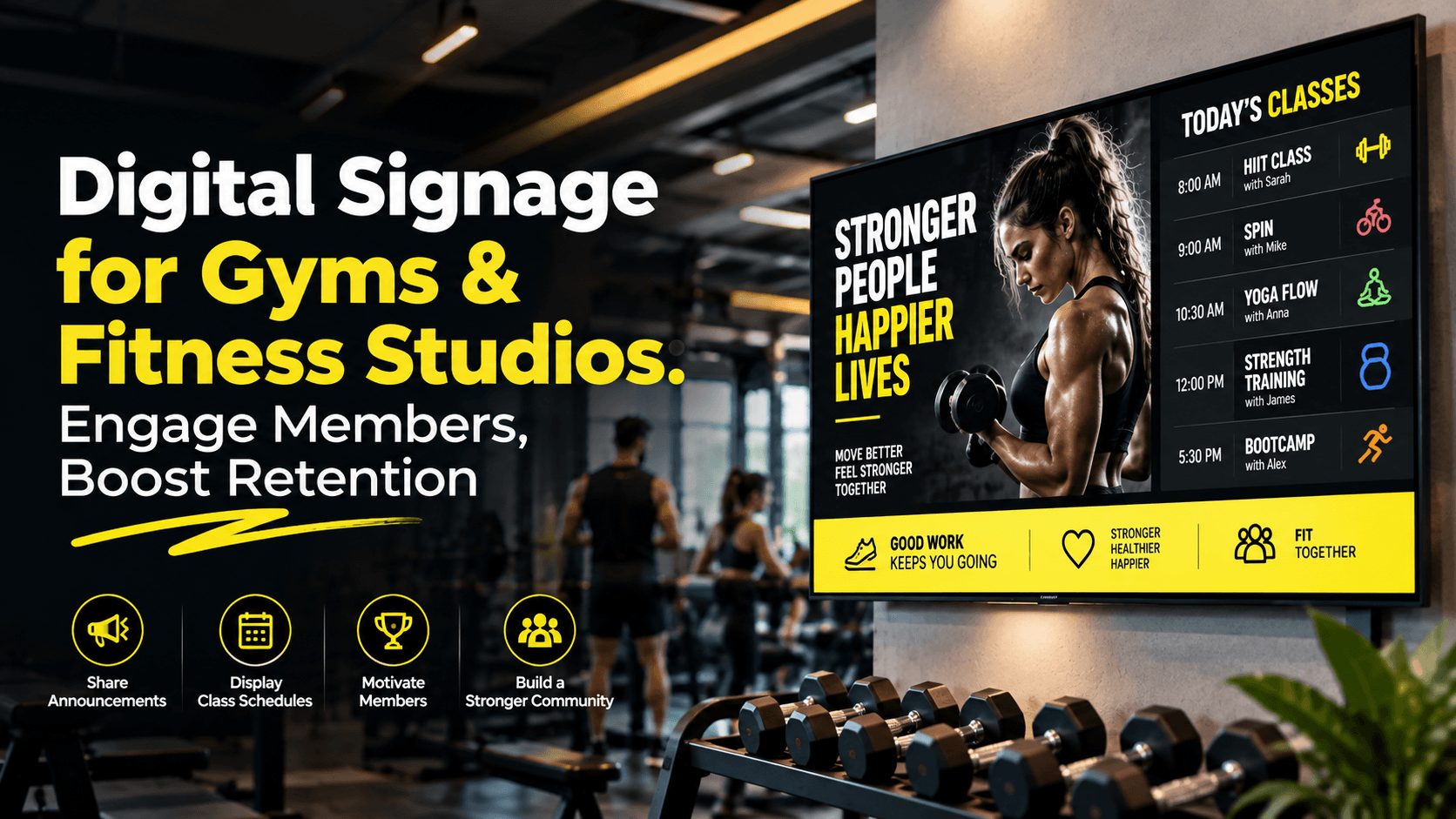
Digital Signage for Gyms & Fitness Studios: Engage Members, Boost Retention
By DisplayNex · 8 min read · Updated October 2026
In a gym, the screens on your walls do more than look modern. They promote classes, fill empty sessions, welcome members, and keep people informed — all of which quietly support the thing that matters most to a fitness business: retention.
Here's how gyms and studios use digital signage, what to display, and how to set it up free on screens you already own.
Why gyms are putting screens everywhere
- Fill class schedules — promote under-booked sessions and new classes where members will see them.
- Drive upgrades and add-ons — personal training, nutrition plans, and premium memberships.
- Welcome and motivate — member shout-outs, milestones, and challenges build community and keep people coming back.
- Reduce front-desk load — hours, class changes, and announcements answered on screen.
- Look energetic and modern — dynamic screens match the atmosphere members expect.
What to display in a gym or studio
- Today's class timetable and any last-minute changes.
- Personal training, nutrition, and membership-upgrade offers.
- Member milestones, challenge leaderboards, and shout-outs.
- New equipment, new classes, and opening-hours updates.
- Social media handles and a QR code to book classes or follow you.
- Motivational content and progress tips between other messages.
Tip: place a screen at reception for schedules and offers, and screens in the studio or gym floor for motivation and class promos — each tuned to where members are and what they're thinking about.
Screens that support retention
Retention is won in the details. A member who sees their name on a milestone board, discovers a class that fits their goal, or feels part of a community is more likely to stay. Rotating content keeps the space feeling alive and gives members a reason to engage beyond their workout.
What it costs
If screens are already mounted, the software is the only real cost. DisplayNex has a Starter plan that is free forever for a single screen, with paid plans from $4.99/month per screen as you add more — no media player, no setup fee, no contract.
Setting it up
- Create your free account — the Starter plan is free forever.
- Upload your timetable, offers, and member shout-outs and arrange them in a rotation.
- Set a schedule so class times and content update automatically through the day.
- Open the display URL on your Smart TV, Fire Stick, or Android TV browser — full-screen and hands-off from then on.
No special hardware required. See the full walkthrough on turning any Smart TV into a signage screen, or see how other businesses use DisplayNex.
Put Your Gym's Screens to Work
Use the screens you already own. No media player, free forever Starter plan.
Frequently asked questions
What should a gym display on its screens?
Class timetables, PT and membership offers, member milestones and challenges, announcements, and motivational content — rotated so the space always feels current.
Do I need special hardware?
No. Any Smart TV, Fire Stick, or Android TV with a browser runs DisplayNex — there's no media player to buy or maintain.
Can I update the class timetable myself?
Yes. Change it from your phone and every screen refreshes automatically — useful for last-minute class changes.
Can I run screens across multiple studios?
Yes. Manage every screen at every location from one login, so a timetable or campaign change can reach all sites at once.
How much does gym digital signage cost?
There's a free-forever Starter plan for one screen, with paid plans from $4.99/month per screen when you need more — no setup fee or contract.