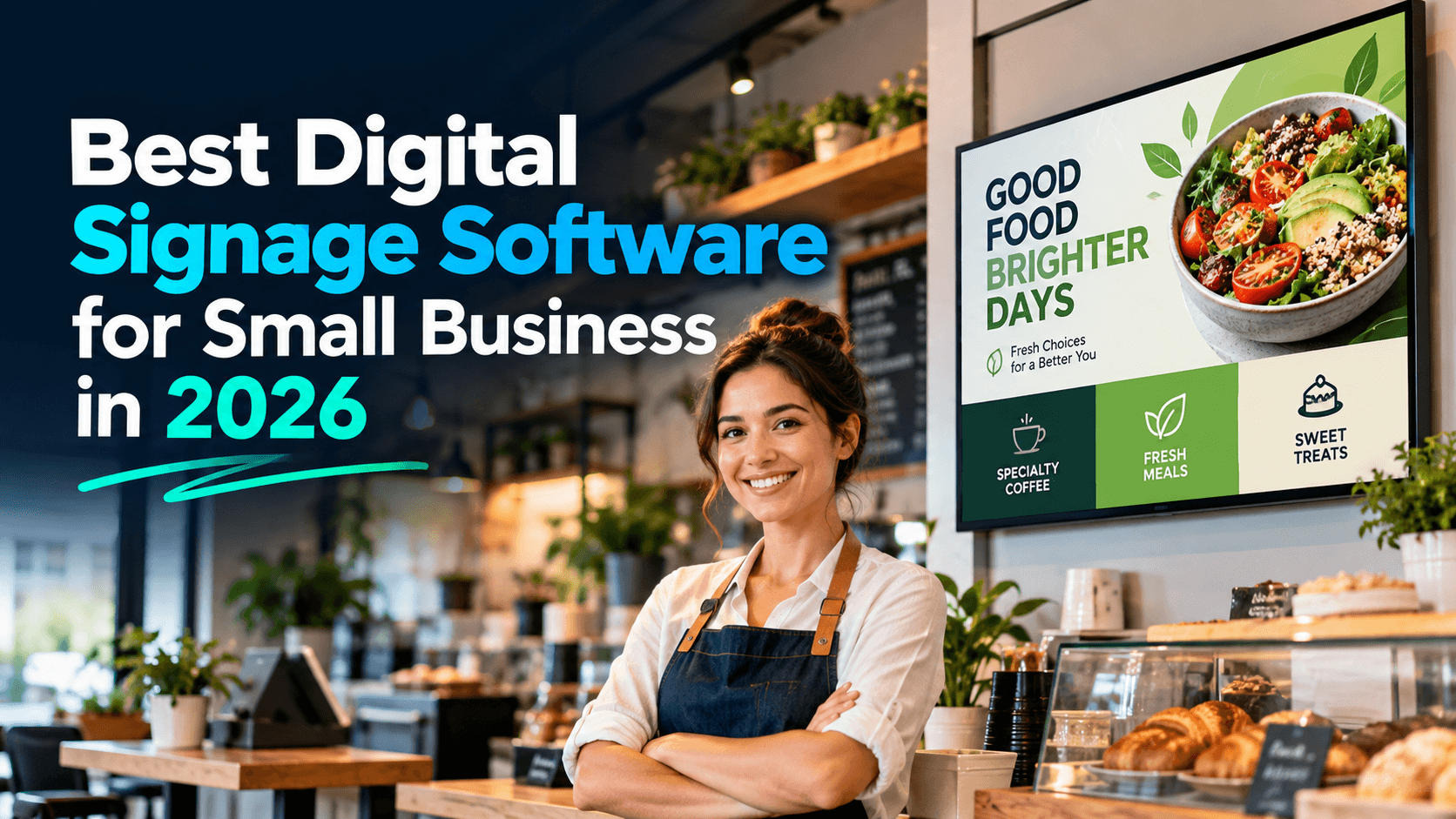
Best Digital Signage Software for Small Business in 2026
By DisplayNex · 10 min read · Updated October 2026
Most digital signage software is built for enterprise — priced per screen, loaded with features a small business will never touch, and often requiring a dedicated media player on every TV. If you run a café, salon, clinic, or shop, you need something simpler and cheaper.
This guide covers what actually matters when choosing signage software as a small business, the features worth paying for, the ones you can ignore, and how to pick a tool you'll have running the same day.
What small businesses actually need
Ignore the long feature lists. For a small venue, the right tool comes down to five things:
- No hardware lock-in — it should run on the TV, Fire Stick, or Android TV you already own, not a proprietary box.
- Simple enough to use yourself — upload, drag to order, done. No training, no agency.
- Update from your phone — change a price or promo in seconds from anywhere.
- Honest, flat pricing — a clear monthly cost, ideally with a free plan to start.
- Scales when you do — add screens or locations without a painful migration.
Features worth paying for — and ones to skip
| Worth it for small business | Usually overkill |
|---|---|
| Easy uploads and scheduling | Complex multi-zone layouts |
| Phone/remote updates | Deep enterprise integrations |
| Multiple screens from one dashboard | Advanced user-role hierarchies |
| Works on existing hardware | Proprietary media players |
| Free or low flat pricing | Custom enterprise contracts |
How to evaluate your options
- Check the hardware requirement. If it needs a media player per screen, factor in $100–$500 each. Browser-based tools avoid this entirely.
- Add up the real monthly cost. Multiply per-screen pricing by your number of screens, and watch for features locked behind higher tiers.
- Test the setup yourself. If you can't get a screen live in an afternoon without help, it's too complex for a small team.
- Look for a free plan. A genuine free tier lets you prove it works before spending anything.
Where DisplayNex fits
DisplayNex is built specifically for small hospitality and retail businesses. There's no media player — it runs through the browser on your Smart TV, Fire Stick, or Android TV. You upload content and go live in about ten minutes, and you manage everything from your phone.
Pricing is honest and flat: a Starter plan that is free forever for a single screen, with paid plans from $4.99/month per screen when you grow — no setup fees, no contract, no per-player licences.
Best for: cafés, restaurants, salons, clinics, and shops that want signage running today without hardware, contracts, or a learning curve. If you need enterprise integrations across hundreds of sites, a heavier platform may suit you better.
See how different businesses use it on our industries page, or compare the main cloud tools in our Yodeck vs OptiSigns vs DisplayNex breakdown.
Find Out If It's the Right Fit — Free
No media player, no contract. Free forever Starter plan, live in minutes.
Frequently asked questions
What's the best digital signage software for a small business?
The best fit is one that runs on hardware you already own, is simple enough to manage yourself, and has honest pricing. DisplayNex is built for small hospitality and retail, with a free-forever Starter plan and no media player required.
Is there free digital signage software?
Yes. DisplayNex offers a Starter plan that is free forever for a single screen — no trial window and no credit card — so you can run signage at no cost.
Do I need technical skills to set it up?
No. If you can upload a photo and drag items into order, you can build and run a signage screen yourself in minutes.
Can small-business signage software scale?
Yes. Good tools let you add screens and locations from one dashboard without reinstalling anything, so you scale as you grow.
Do I need to buy a media player?
Not with a browser-based platform. DisplayNex runs on the browser in your Smart TV, Fire Stick, or Android TV, so there's no extra hardware to buy.